Since it is possible for a student to have grades for more than one semester available for viewing, it is necessary to select the semester before viewing grades.
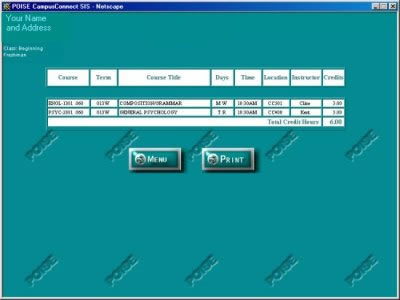
To see all semesters for which grades are available, click the down arrow to the right of the termcode box.
To select a semester, move the cursor to the semester and click the Submit button.
After the Submit button is clicked, the grade report will be displayed.
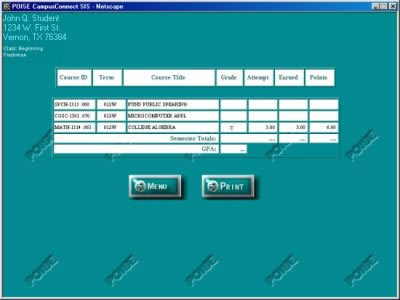
Note that in the example shown, only one grade is available. Students are able to use CampusConnect to view their grades during finals before grades for all classes have been completed.
To print a copy of the grades, click the Print button.